
A lab result appearing in an EHR does not necessarily mean it has reached the right clinician or led to the right next step. A dependable lab results follow-up workflow verifies the patient and chart match, assigns responsibility for review, tracks unresolved results, and records appropriate follow-up with the patient.
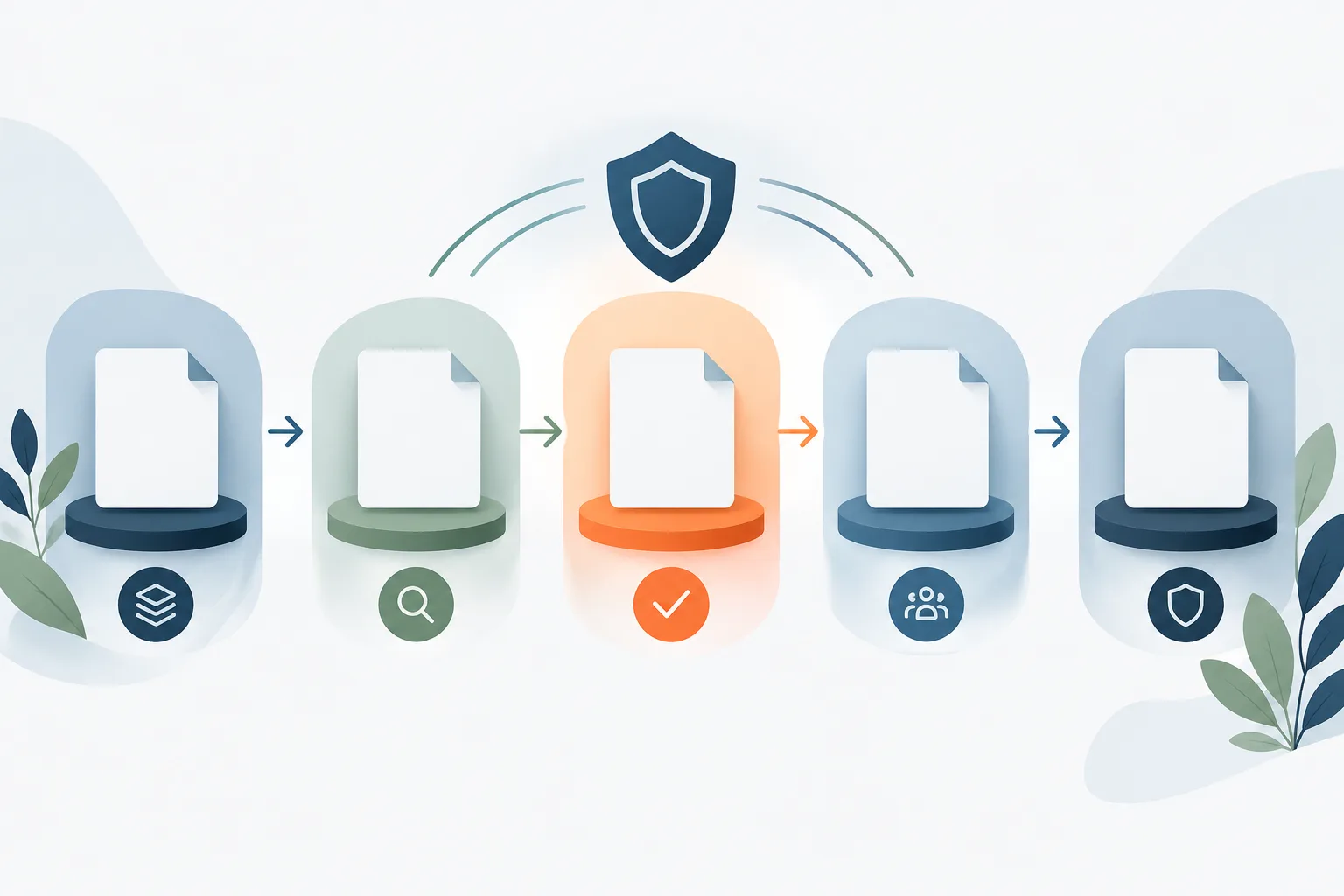
Think of the process as a closed loop: an order is placed, a specimen is collected, a result comes back, the result is matched and routed, a clinician reviews it, any next step is assigned, and patient communication is documented when appropriate. The practice should be able to tell where a result is in that loop, including when something goes wrong.
Start with a clear result pathway
Write down how a result is expected to move through your practice, from the order to closure. Identify who monitors incoming results, which clinician or covering clinician reviews them, how urgent findings are escalated, and how staff document the decision and follow-up.
Ownership should be explicit rather than assumed. A result can be attached to the correct patient chart but still sit in an inbox that no one is watching. The practice’s process should name a responsible role for each handoff and define backup coverage when the usual reviewer is unavailable. The SAFER Guide to test results reporting and follow-up offers a framework for reviewing these safety practices.
Set review and escalation expectations in practice policy, based on clinical judgment and the practice’s needs. Make sure staff know how to recognize a result that requires prompt attention and how to reach the appropriate clinician. The workflow should not depend on one person remembering to check an inbox.
Verify the patient and chart match
Before acting on a result, confirm that it belongs to the intended patient and the correct chart. Staff should compare the identifiers available on the result with the practice’s established patient identification process. A name alone may not be enough to resolve a mismatch, especially when records are similar or duplicate charts exist.
When information conflicts or is incomplete, pause the normal filing process and route the result for reconciliation. Do not guess which chart is correct. Keep the result visible in an exception queue or other monitored work area until an authorized staff member resolves the discrepancy and documents the decision. The SAFER Guide to patient identification can help practices assess how identification is handled in their EHR workflows.
For a result with no matching order, an unclear patient match, or a possible duplicate, assign an owner to investigate. That person may need to check order details, specimen information, the lab’s transmission, or the patient record. The key is that the result remains tracked until it is correctly matched, returned for clarification, or otherwise resolved under practice policy.
Make EHR result routing visible and accountable
Review how results move from the laboratory into the EHR. Confirm that incoming results are routed to the intended clinician or a monitored pool with a defined reviewer. Check that staff can distinguish newly received results from those already reviewed, and that the EHR records who acknowledged or acted on each result.
Alerts can help draw attention to incoming work, but an alert by itself is not proof of review. Practices need a reliable way to identify unreviewed lab results and follow up on them. Use a work queue, report, or other EHR function that lets authorized staff find results still awaiting review or action. Ensure the process includes a backup reviewer when the ordering clinician is out of the office.
When a result arrives through an interface, test the complete workflow rather than checking only whether data transferred. Confirm that the result connects to the correct patient and order, lands in the expected location, displays in a usable form, and creates the expected notification or task. Practices should also know whom to contact and what manual reconciliation process to use if an interface is delayed or unavailable.
For help with EHR configuration and support, see Zevonix’s information on EHR support for Palm Coast practices. A clear technical escalation path can help staff distinguish a clinical follow-up issue from a system or routing issue without losing track of the result.
Track missing, delayed, or unresolved results
A result that never arrives can be just as important to the workflow as one that arrives with an obvious routing problem. Practices should have a way to reconcile ordered tests against received results and identify orders that remain outstanding. Define who checks for missing results, how exceptions are escalated, and how resolution is recorded.
When investigating, check whether the specimen was collected, whether the laboratory has completed the test, whether the result was transmitted, and whether the EHR received and filed it. If the lab must resend or clarify information, record the follow-up owner and keep the item open until the result is received or the clinical team determines the appropriate next step.
Possible duplicate charts, duplicate results, and interface errors also need a documented resolution. Staff should not silently discard a duplicate or assume that two similar records are interchangeable. Follow the practice’s approved process and retain enough information to understand what was reviewed and why the record was resolved as it was.
Close the loop after clinician review
Clinical review is an important checkpoint, but it is not always the end of follow-up. Document the reviewer’s decision and any action assigned, such as additional evaluation, repeat testing, or no further action. The appropriate step depends on the clinician’s judgment and the patient’s circumstances.
When patient communication is appropriate, document whether the patient was contacted, how the communication occurred, and any next step the patient was asked to take. If contact is not successful, leave the item open and follow the practice’s outreach and escalation process. Avoid treating a message sent as confirmation that the patient received or understood it; record what the practice can verify.
For critical findings, follow the practice’s clinical escalation protocol and document the communication and response. If the first person contacted is unavailable, the workflow should specify the backup path. Keep the result under active ownership until the responsible clinician has received it and the required action has been addressed.
Keep public-health reporting separate
Some laboratory findings may involve public-health reporting processes. That work is distinct from ensuring the result reaches the right clinician, the patient receives appropriate follow-up, and the clinical record is complete. Practices in the area can review the Flagler County health department’s reporting information and confirm current responsibilities through the appropriate official channels. Do not treat a laboratory reporting process as a substitute for the practice’s own clinical follow-up.
Review the workflow in routine operations
Periodically walk through the process with clinical, front-office, and technical staff. Use realistic scenarios: a result with no matching order, a delayed transmission, a clinician away from the office, or a finding that requires escalation. Confirm that staff know where to find unresolved items, who owns each one, and how to document closure.
It can also help to review EHR queues and interface exceptions together. Zevonix supports healthcare organizations in Palm Coast and Flagler County with EHR integration and support, cybersecurity, backup and recovery, and related healthcare IT needs. The company states it has over 20 years of healthcare IT experience and offers 24/7 monitoring.
Frequently asked questions
What should staff do when a result has no matching order or patient record?
Do not guess or file it into a likely chart. Route it to a designated owner for reconciliation, keep it visible as unresolved, and document how the discrepancy was resolved.
Who is responsible when the ordering clinician is out?
The practice should define backup coverage in advance. Route results to a designated covering clinician or monitored pool, and make sure responsibility for review and follow-up is clear.
How can a practice tell whether results are still awaiting review?
Use a monitored EHR queue, report, or equivalent process that identifies unreviewed and unresolved results. Assign someone to check it and follow the practice’s escalation process when an item remains open.
How should patient communication be documented?
Record the communication attempt and outcome, the method used, and any next step provided when appropriate. If contact is unsuccessful, keep the item open and follow the practice’s outreach process.
Make every result someone’s responsibility
A practical lab results follow-up workflow connects accurate patient matching with clinician ownership, exception tracking, documented decisions, and appropriate patient communication. Review the process with your team and confirm that unresolved results always have a clear next step. For help with EHR support and healthcare IT workflows, contact Zevonix at (386) 260-0777.