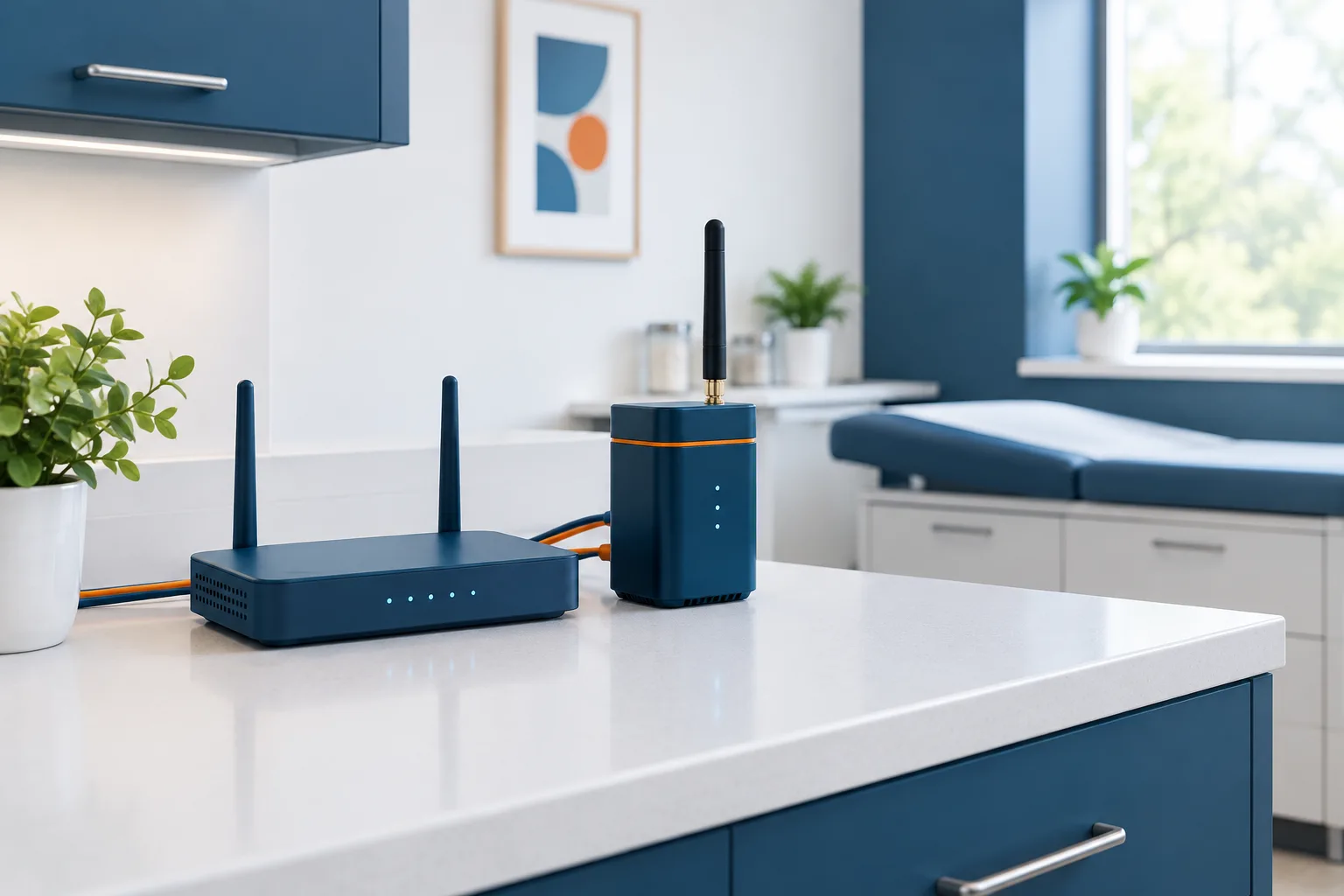
A cloud EHR backup internet connection can help a practice stay connected when its primary internet service fails. But a cellular hotspot or second internet line is not automatically a reliable backup for clinical work. The connection needs to function inside the clinic, support the systems staff use, and be ready to switch over when needed.
It is also important to distinguish an internet outage from an EHR outage. A backup connection may restore the route from your office to the internet, but it cannot by itself fix an unavailable EHR, authentication service, or connected vendor system. Planning for both situations helps staff understand what they can safely do and when to use downtime procedures.
What an internet backup can and cannot do
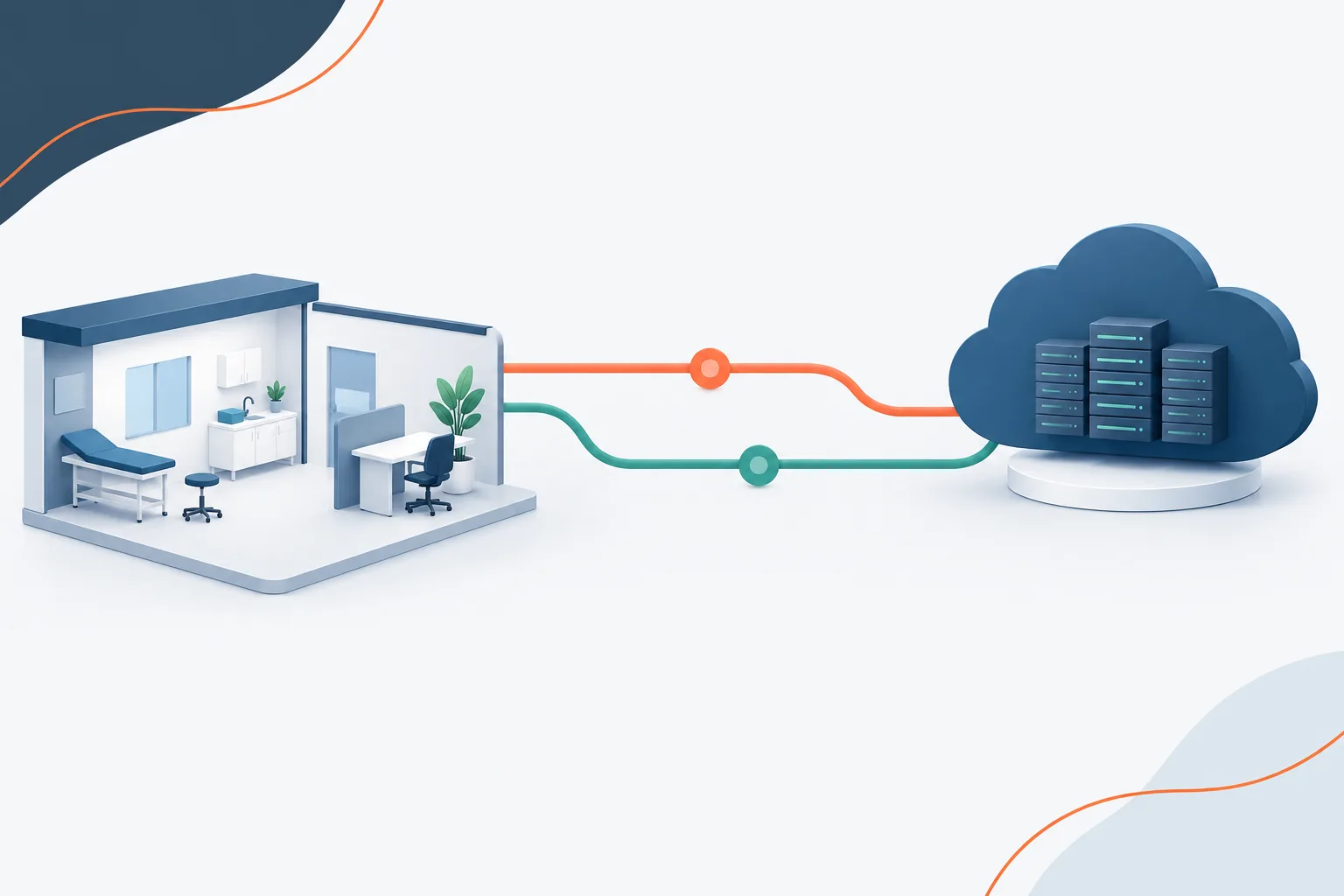
If the primary internet provider has an interruption, a separate connection may give staff another route to the EHR vendor’s cloud service. That can be useful when the EHR and its supporting services are available but the clinic cannot reach them through its usual connection.
Access may still depend on other parts of the setup. Staff may need working authentication, DNS, a VPN, or an approved device and network configuration. Connected systems such as e-prescribing, labs, imaging, patient portals, and telemedicine may also have their own requirements. Restoring internet service does not guarantee that every application or integration will work.
If the EHR vendor’s cloud service is down, switching internet providers is unlikely to restore the application. Likewise, a local power failure can affect the modem, router, cellular equipment, workstations, and phones, even if a backup network is available. Keep the scope of the backup clear: it is intended to address a connectivity problem, not every cause of unavailable clinical systems.
Evaluate the connection at the clinic
Coverage claims or a strong signal outside the building do not prove that a cellular connection will work where staff need it. Check service at the clinic itself, including the rooms and work areas where EHR access is essential. Test from the equipment and network setup you expect staff to use during an interruption.
Before selecting a backup, ask the provider and your IT support team about:
- Indoor signal and consistency: Can the connection be used reliably in clinical and administrative areas? Does performance change during busy periods?
- Data limits and reduced speeds: Are there usage limits, slowdowns, or other conditions that could affect prolonged use?
- Failover behavior: Will the network switch automatically, or must someone make the change? How will staff know the backup is active?
- Network independence: Does the backup use a genuinely separate service path, or could it be affected by the same local disruption?
- Power needs: Which devices must remain powered for the connection and clinical workstations to operate?
- Security and compatibility: Will the setup support the practice’s approved authentication, network controls, and access policies?
A cellular connection can be a practical option, but performance depends on the location, equipment, service conditions, and the clinic’s actual use. Do not treat a provider’s coverage map or a successful personal phone connection as proof that the practice’s EHR workflow is ready.
For a broader look at how clinic connectivity supports EHRs, medical devices, and other systems, see this guide to medical office network planning.
Test clinical workflows, not just internet speed
A speed test can help identify basic connectivity problems, but it cannot show whether staff can complete their work in the EHR. Test the backup connection with the applications, devices, and access steps the clinic actually uses.
Plan a controlled failover drill with your IT support team and EHR vendor. When appropriate, switch off the primary connection and confirm that the backup activates as expected. Have staff sign in using the approved process and work through representative tasks, such as:
- Opening a patient chart and reviewing relevant information.
- Documenting a visit or making a permitted update.
- Checking medication information and testing the practice’s order workflow.
- Accessing lab or imaging results through the usual process.
- Confirming whether patient portal, secure messaging, and telemedicine functions remain available.
- Checking whether printing and other equipment used in the workflow still function.
Use a safe, approved test method rather than creating or sending real clinical transactions just to exercise the connection. Ask the vendors which functions can be tested and how to avoid unintended orders, messages, or patient notifications.
Record what worked, what failed, and what staff should do if a task is unavailable. A backup connection should be tested periodically and after changes to network equipment, EHR access, or connected services. If failover is manual, make sure staff know who is authorized to switch connections and how to confirm that the change succeeded.
Prepare for outages the backup cannot solve
Internet redundancy is one part of downtime planning. The practice also needs a clear process for an EHR vendor outage, an authentication problem, a local power issue, or a situation in which both internet connections fail. Staff should know how to identify the problem, who to contact, and which approved clinical procedures apply.
Ask the EHR vendor whether the practice has an approved way to access patient information during an application outage. Some systems may offer a read-only option, but availability and details vary. Confirm what is available, how staff access it securely, and whether changes can be entered or must wait until service returns. Do not assume records stored on a workstation or a disconnected device will be current or appropriate to use.
Where electronic access is unavailable, follow the practice’s approved downtime procedures, which may include paper documentation and a defined process for reconciling information after systems return. Keep these procedures accessible to staff and review them through a drill. The federal SAFER Guide on contingency planning is a resource for considering how a practice prepares for system interruptions. The healthcare system downtime operations checklist also addresses planning for unavailable systems.
For additional preparation around protecting and restoring practice data, see this overview of healthcare data backup planning. Data backup and internet failover solve different problems, so a practice should understand what each plan covers.
Frequently asked questions
Can a cloud-based EHR work if the office’s primary internet connection goes down?
It may, if a working backup connection is available and the EHR, authentication, network configuration, and related services remain accessible. Test the actual setup instead of relying on the fact that a backup signal exists.
Will a cellular hotspot support our clinic’s cloud EHR?
It depends on indoor coverage, connection consistency, data conditions, equipment, and the practice’s workflows. Test the connection at the clinic with the systems staff use, and review security and failover requirements with your IT support team and vendors.
Does switching to backup internet restore access to e-prescribing, labs, imaging, and patient portals?
Not necessarily. Each service may have separate availability and access requirements. Include the workflows your practice depends on in a failover test, and confirm any limitations with the relevant vendors.
What if the internet works but the EHR itself is unavailable?
A second internet connection generally will not resolve an outage of the EHR vendor’s cloud service or another unavailable application. Follow the practice’s downtime procedures and use only access methods approved for that situation.
Make the backup part of a tested plan
A useful cloud EHR backup internet connection is one the clinic has tested against its real environment and essential workflows. Pair it with a clear failover process, power planning, vendor contacts, and downtime procedures for application outages. Zevonix serves healthcare providers in Palm Coast and Flagler County and supports healthcare IT, including network design, EHR support, and backup and recovery. Contact the team to discuss your clinic’s connectivity and downtime planning.